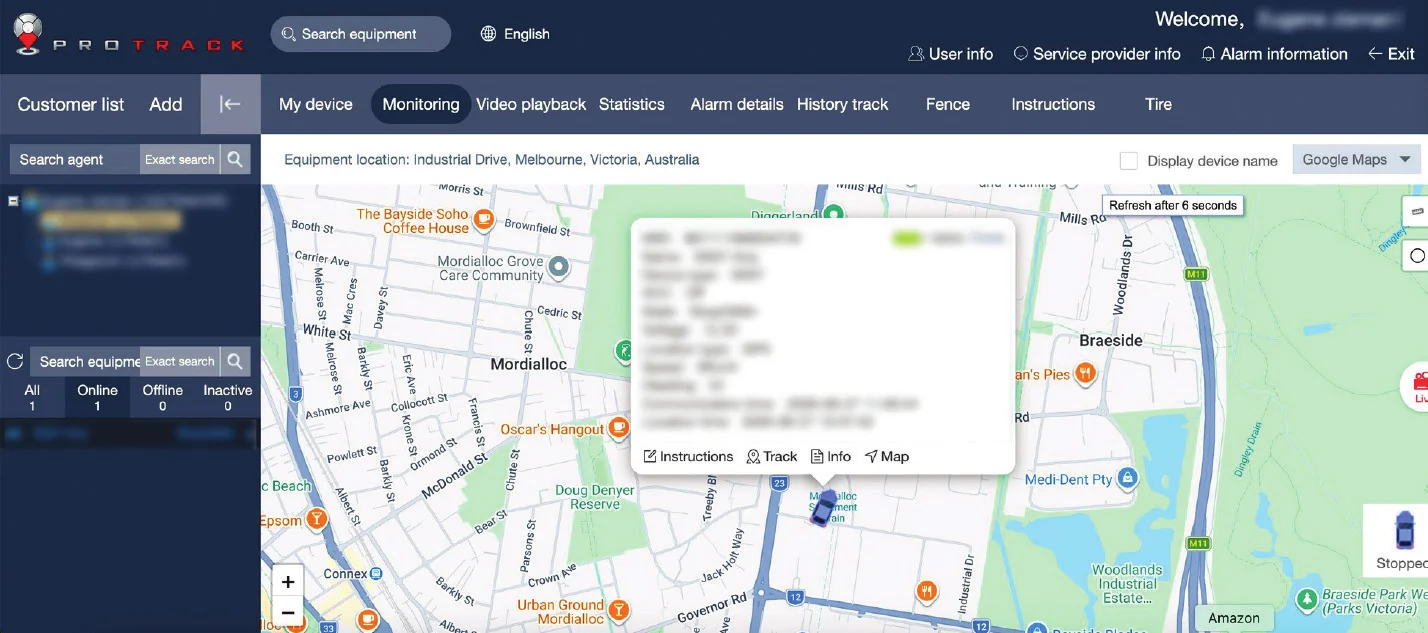
How do I log in on my computer?
Open any web browser and go to login.protrack.au. Type in the username and password you were given, then click Login. The map opens and you'll see your vehicle.

ProTrack · GPS vehicle tracking
Everything you need to know about using ProTrack on your computer or phone: logging in, the map, live tracking, trip history, alerts and support.
01 · Logging In
Open any web browser and go to login.protrack.au. Type in the username and password you were given, then click Login. The map opens and you'll see your vehicle.
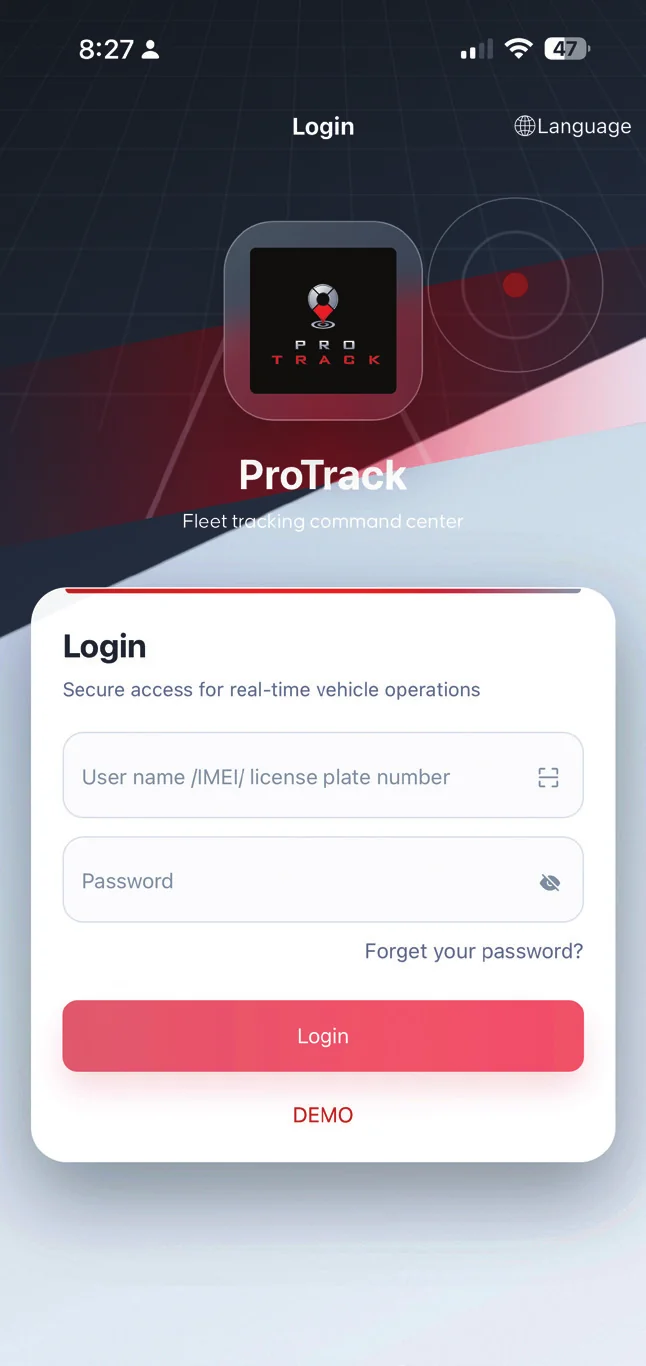
Your password was set to a default when your account was created: the last 6 digits of your tracker's IMEI number. We recommend changing it after your first login. Contact us if you need help.

You can also log in using the last 6 digits of the IMEI printed on your tracker, or your vehicle's licence plate once it's added to your profile. Not all accounts are set up for this, so contact your dealer if these options aren't available.
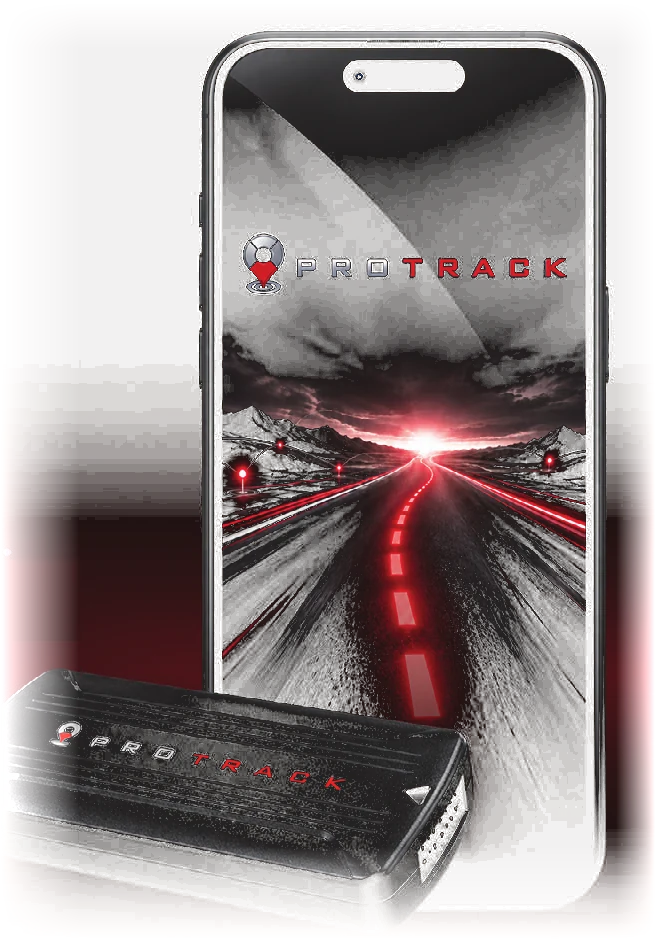
Yes. The ProTrack AU app uses the same username and password as login.protrack.au.
Tick 'Remember the password' when you log in, and bookmark login.protrack.au so you can find it quickly next time.
02 · Map & Vehicle Status
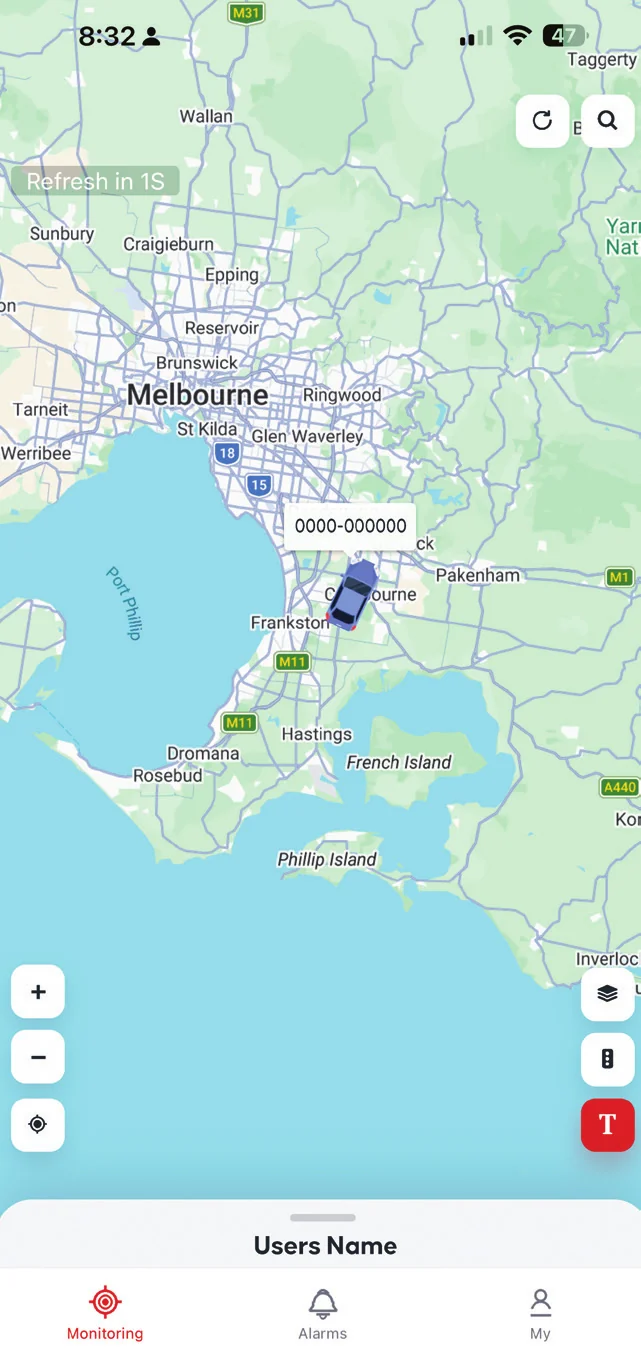
Log in and the map screen opens with your vehicle shown as a car icon. Green means moving, blue means stationary and grey means offline.
Stopped means the vehicle is parked but the tracker is working normally. Offline means the tracker can't communicate right now, so no new data is coming through. The last known location is still shown.
Usually the tracker has lost mobile coverage or gone into power-saving sleep while parked, for example in an underground car park or a remote area. It reconnects automatically once coverage returns or the vehicle becomes active again. If it stays offline for an extended period, call ProTrack Support on 1800 733 809.
Click or tap the vehicle icon on the map. A popup shows speed, ignition status and the last update time.
Use the search bar at the top of the screen and type the vehicle name. In the app, the List tab shows every vehicle with counts for all, online, offline and inactive.
Fast means the vehicle is moving at an elevated speed, still under the overspeed threshold. Overspeed means it has gone over the configured speed alert threshold. Expired means the device subscription has lapsed, so contact ProTrack AU to renew.
03 · Live Tracking & Trip History
Click or tap the vehicle on the map, then Track. The map centres on your vehicle and follows it. On the website, click anywhere else on the map to stop following. In the app, tap Back or X.
In areas with poor mobile coverage, updates may be a few seconds behind. Update frequency also depends on the device's reporting interval and network conditions. This is normal, and the tracker catches up as soon as signal returns.
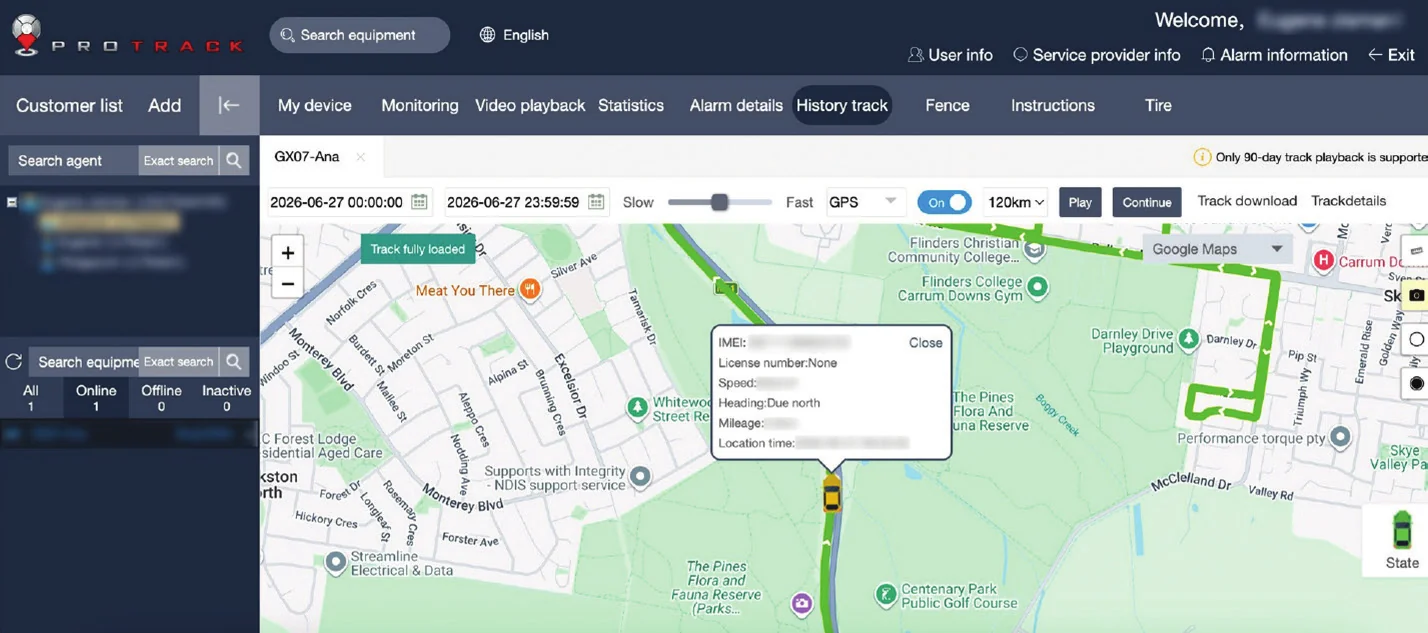
On desktop, click History track in the top menu, select your vehicle, choose a start and end time, click Search, then press Play. Drag the slider to jump to any point. In the app, tap your vehicle, tap the clock icon, pick your date and time range and tap Play.
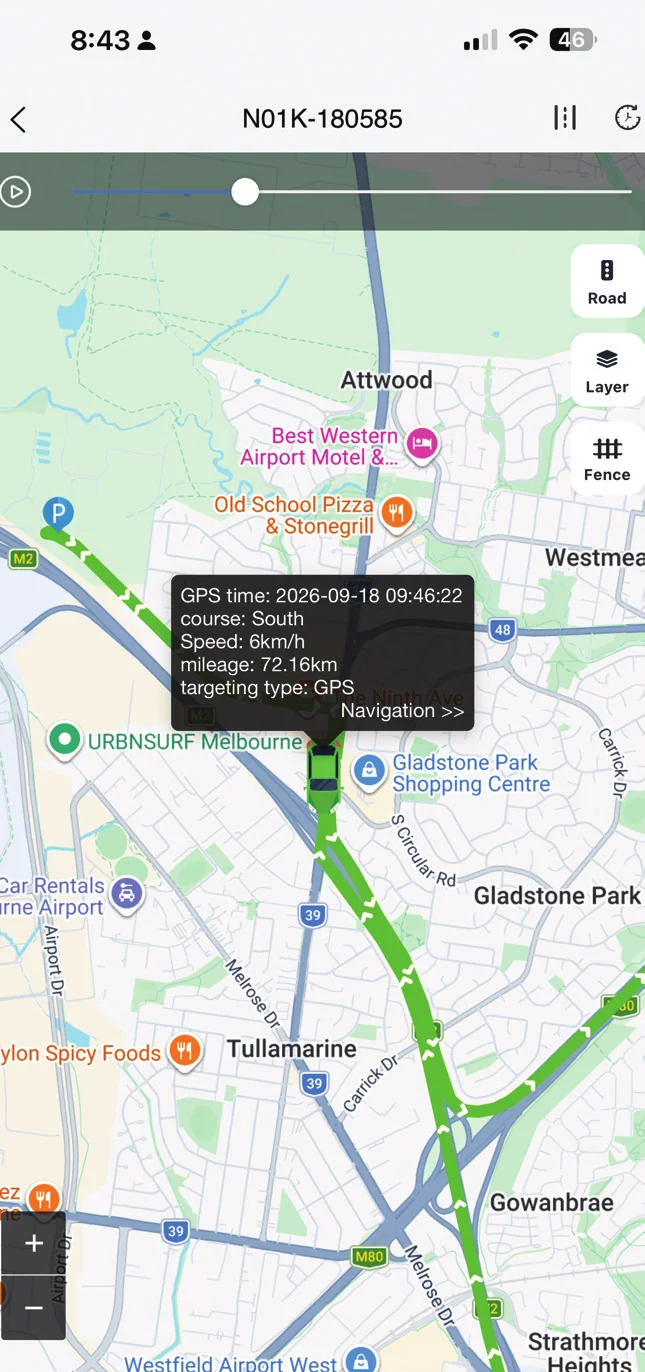
Trip history is available for the past 90 days. If you need a record of an older trip, contact support@protrack.au.
04 · Alerts
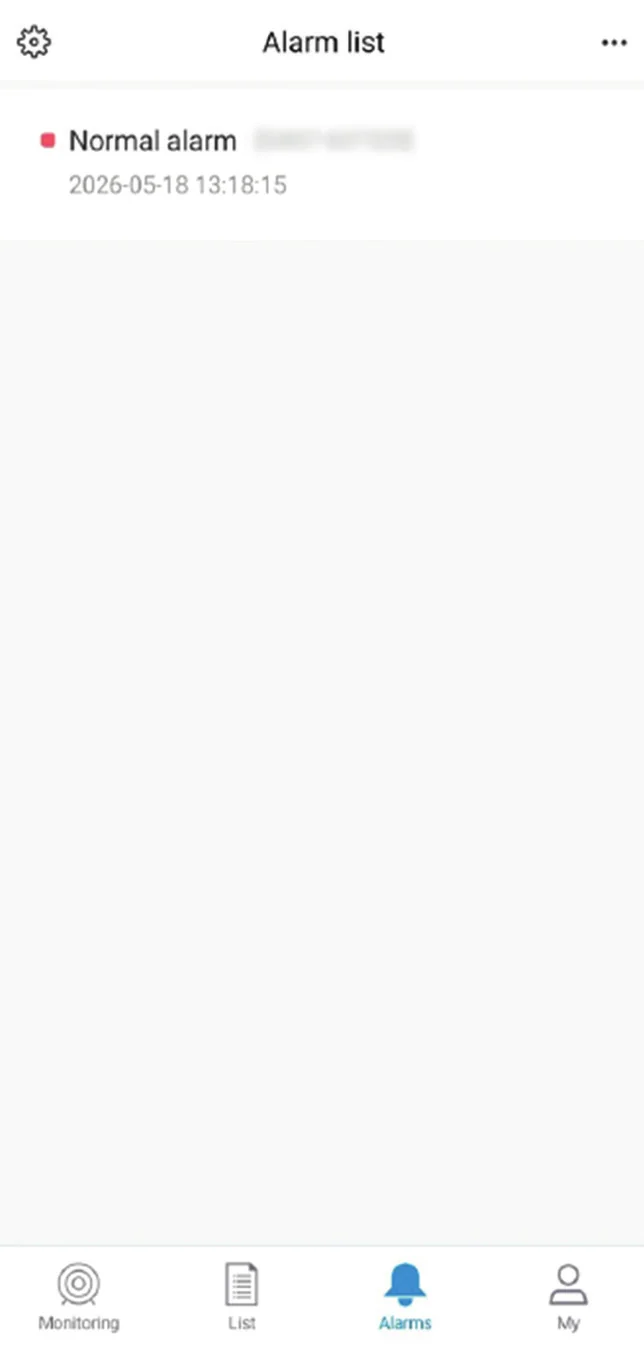
Speeding, leaving or entering an area, engine on or off, power interrupted, vehicle went offline, low battery, SOS and vibration alarm.
Under Alarm details in the top menu on the website, or in the Alarms tab in the app.
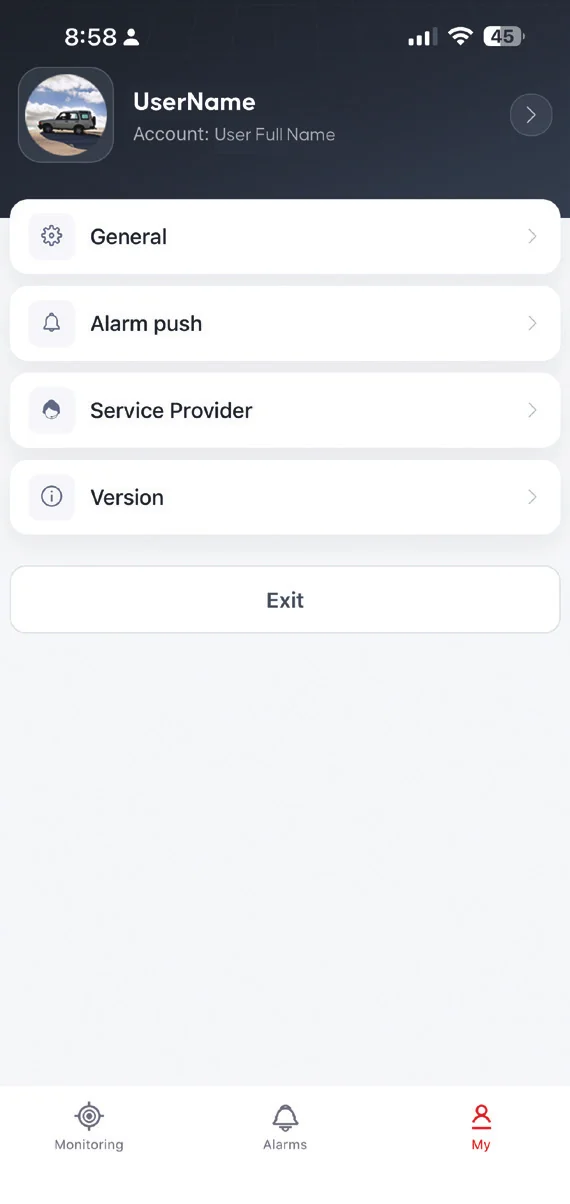
In the app, tap the My tab (bottom right), then Alarm push. Make sure the main Alarm push toggle at the top is on, then turn individual vehicles on or off as needed.
Yes. Alerts can come through as app notifications or by email. Contact support@protrack.au to set up or change your alerts.
05 · App, Warranty & Support
Search for ProTrack AU in the App Store or Google Play, or scan the QR code on the login page. The quickest way is to open login.protrack.au in your phone's browser, where there are QR codes for both iPhone and Android.
Don't confront the thief. Your safety comes first. Open ProTrack to confirm the vehicle's latest location, note the address, coordinates, speed and direction of travel, and contact Police immediately with those details. Then contact ProTrack Support if you need further help.
Your ProTrack AU GPS tracker is covered by the manufacturer's warranty. For warranty claims, technical support or device replacement, contact ProTrack AU with your device IMEI number ready.
It's printed on the tracker device and shown in the app under Device Details.
Call ProTrack Support on 1800 733 809 or email support@protrack.au.
06 · Downloads
Download the official ProTrack documentation.
Logging in, the map, live tracking, trip history, alerts and the app, on desktop and mobile.
Download PDF · 3.5 MBProTrack Support is here to help.