
Introducing ProTrack
Track what matters.
Protect what moves.
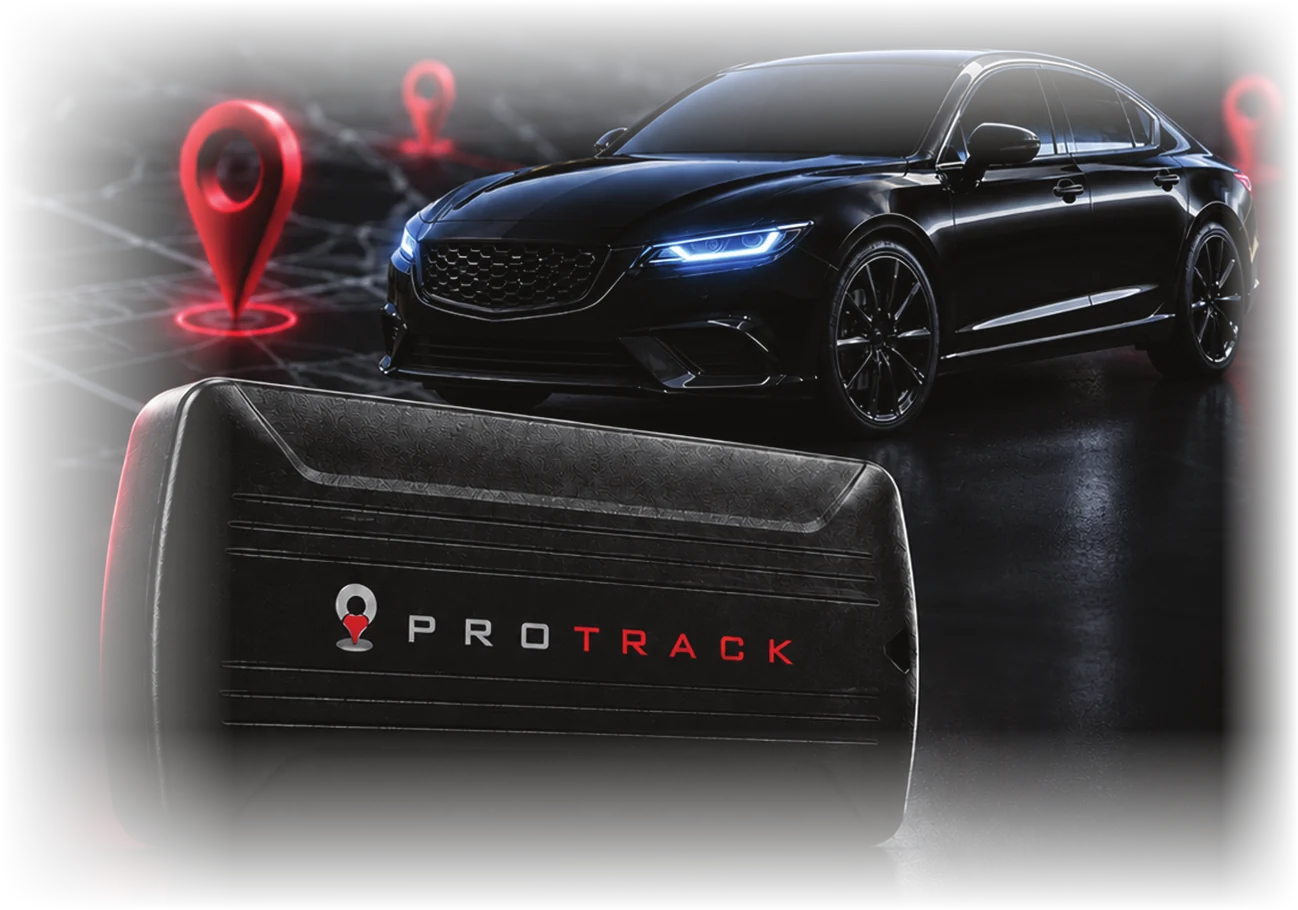
ProTrack combines live vehicle tracking, smart alerts and detailed trip history in one easy-to-use platform.
See where your vehicle is, where it has been and what it is doing, on your computer or your phone.
See where your vehicle is, where it has been and what it is doing, on your computer or your phone.

Live Vehicle
Tracking
See your vehicle's location
in real time.
in real time.

90-Day
Trip History
Review past journeys, routes
and stops for up to 90 days.
and stops for up to 90 days.

Theft
Prevention
Get instant alerts for speed,
movement and power events.
movement and power events.

Custom
Geofences
Get alerts when your vehicle
enters or leaves an area.
enters or leaves an area.

Vehicle
Status
Check speed, ignition and
connection status at a glance.
connection status at a glance.
Your vehicle, on any screen.
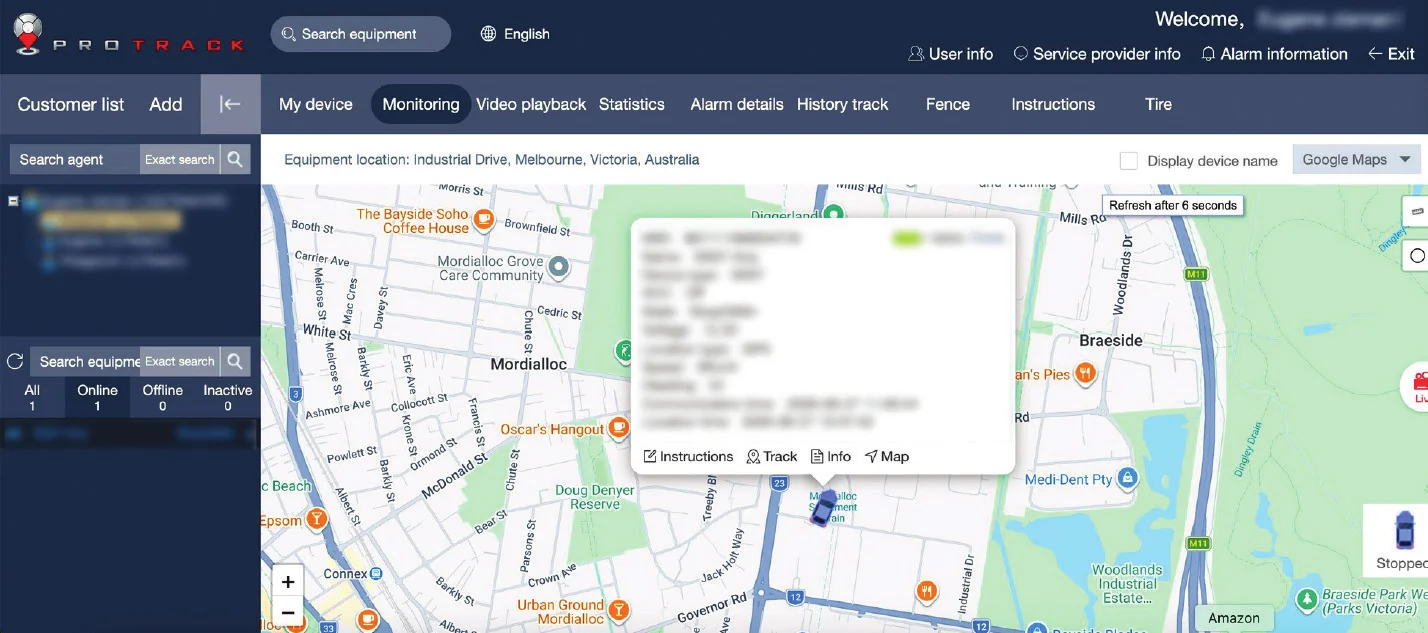
Monitoring screen: your vehicle on the live map, with its status in the left panel.
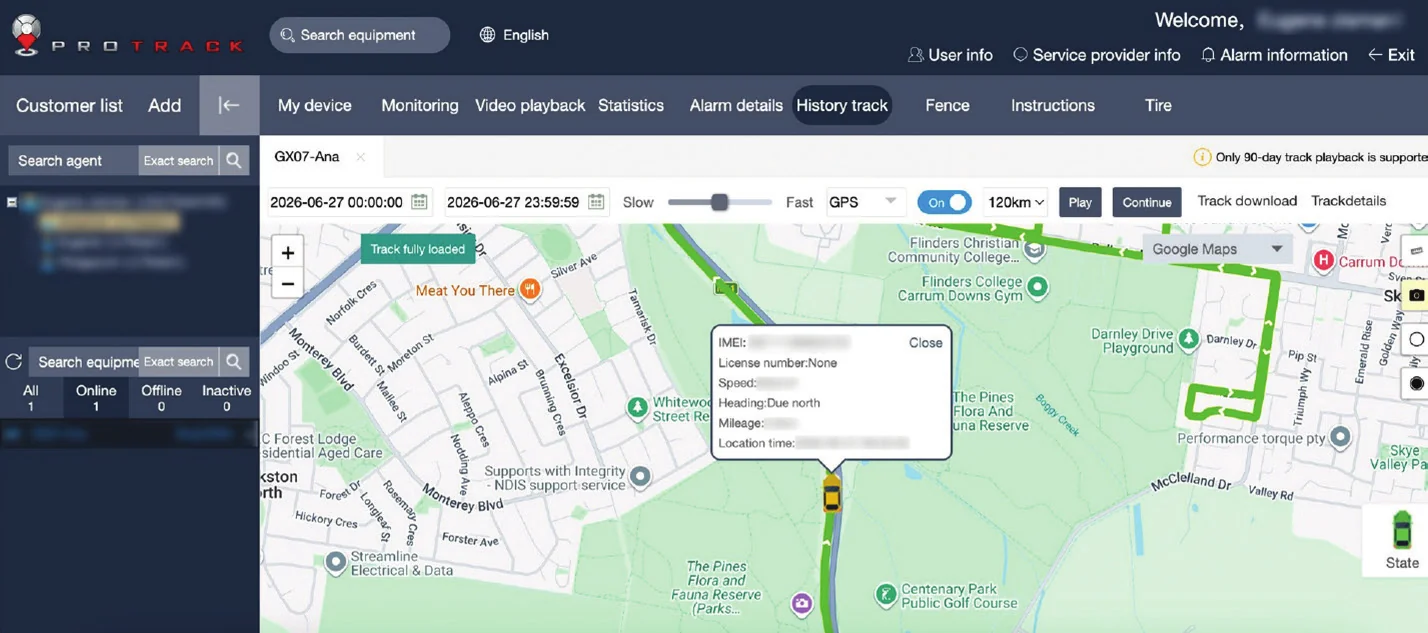
History track: pick a date and time, then press Play to replay the trip.
Tracking that
moves with you
Download the ProTrack AU app, or log in on desktop at login.protrack.au.
Same username and password on both.
Same username and password on both.
Live map and vehicle status
Trip history replay
Alert notifications
Geofences and account settings


How it works
If you can use Google Maps,
you can use ProTrack.
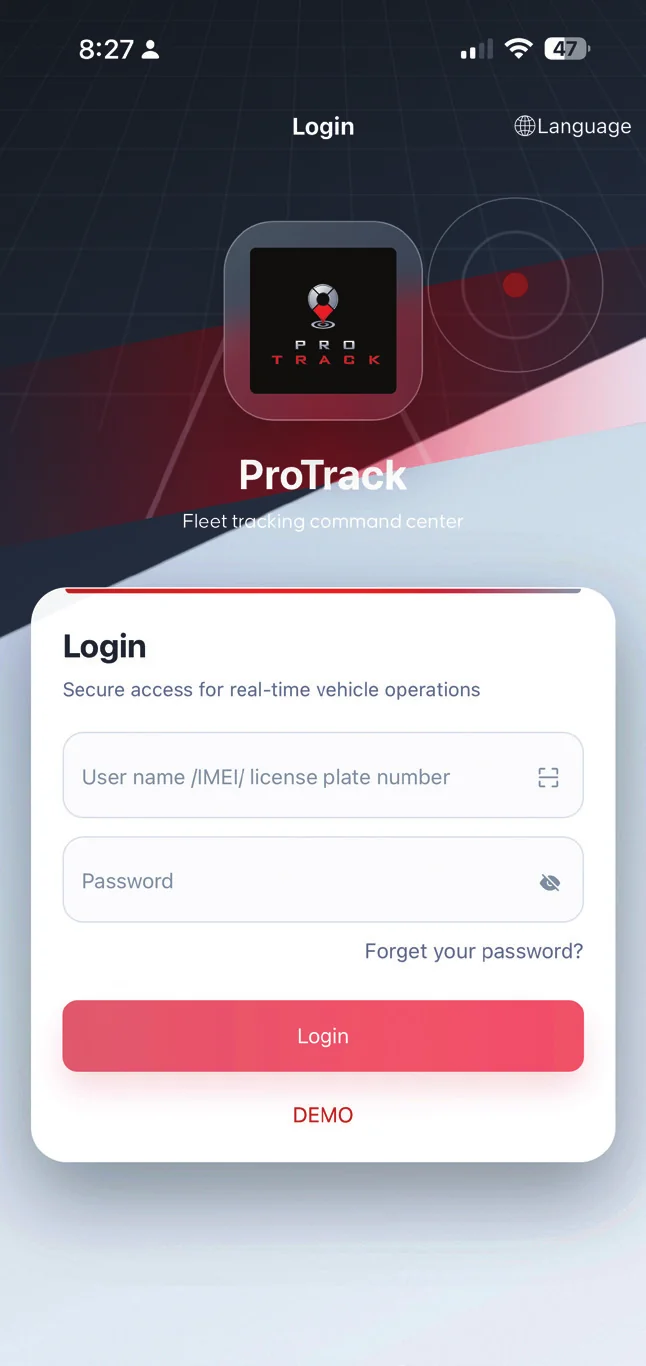
Log in
Desktop and app
-
Go to login.protrack.au
-
Use the username and password you were given
-
Same login on the website and app
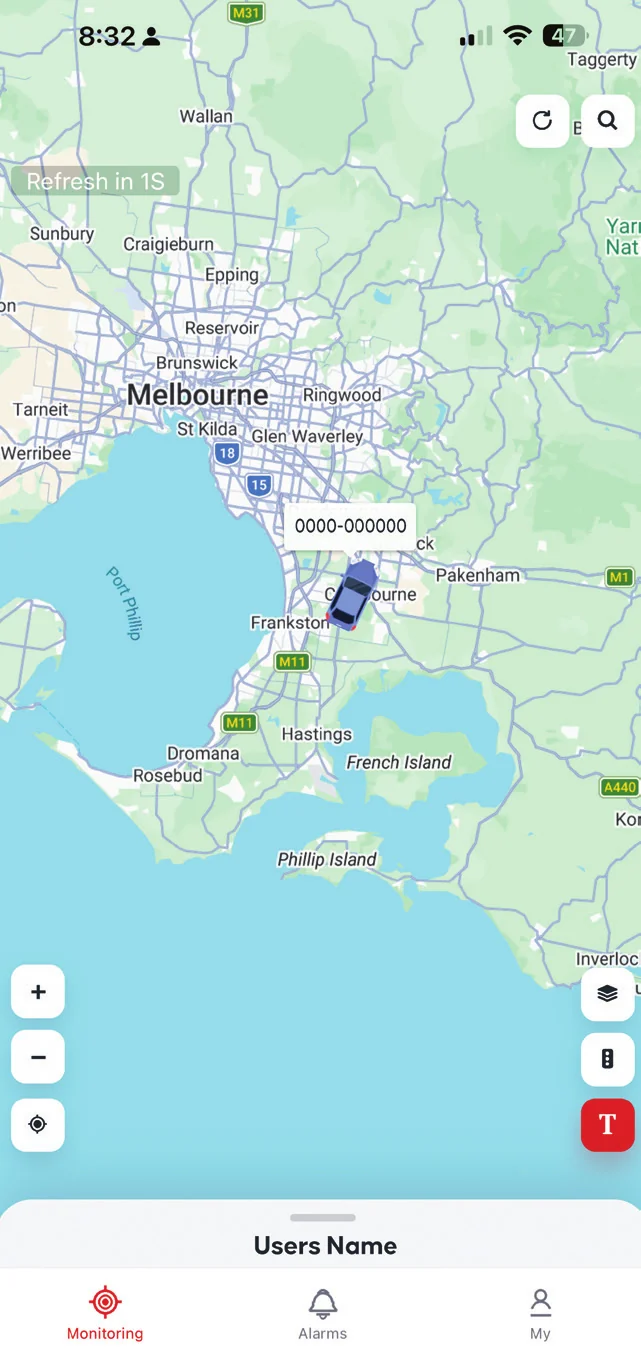
See your vehicle
Live map
-
Green = moving, blue = stationary, grey = offline
-
Tap the icon for speed, ignition and last update
-
Tap Track to follow it live
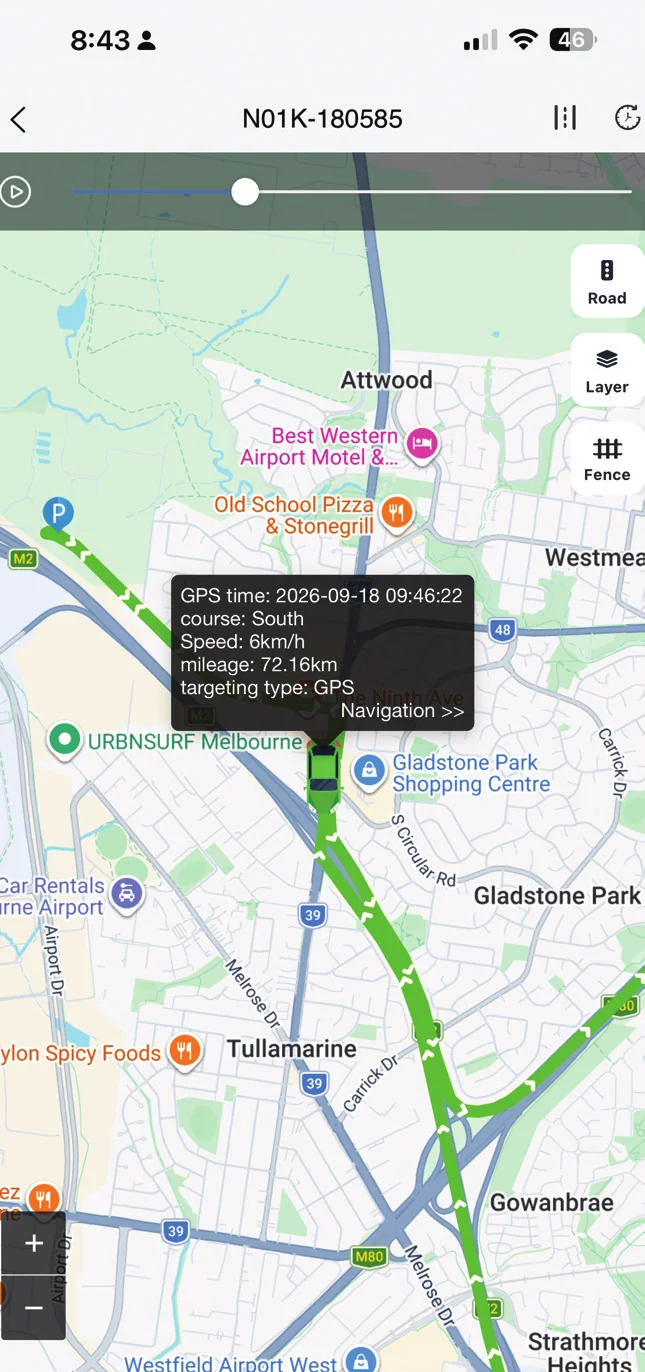
Replay any trip
History track
-
Pick a date and time range
-
Press Play to watch the route
-
History for the past 90 days
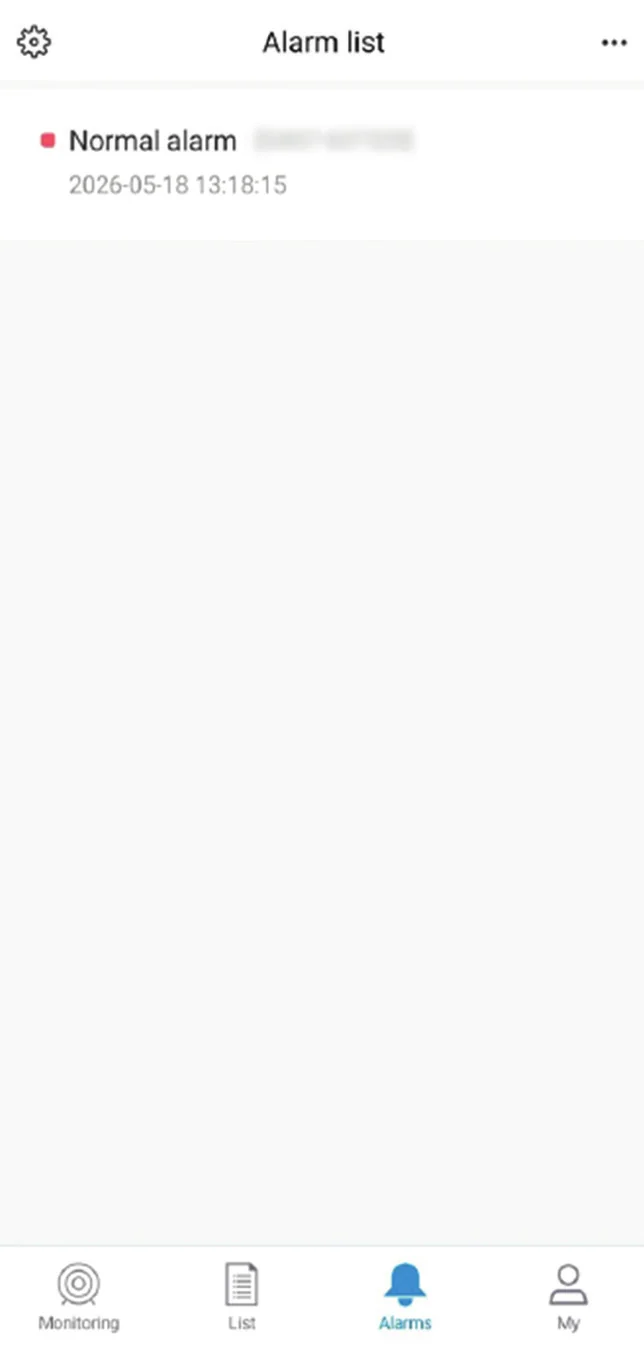
Get alerts
Alarms
-
Speeding and geofence alerts
-
Engine on or off and power interrupted
-
App notifications or email














Frequently Asked Questions
What's the difference between Stopped and Offline?
Stopped means the vehicle is parked but the tracker is working normally. Offline means the tracker can't communicate right now, so no new data is coming through. The last known location is still shown.
Why is my vehicle showing as Offline?
Usually the tracker has lost mobile coverage or gone into power-saving sleep while parked, for example in an underground car park or a remote area. It reconnects automatically once coverage returns. If it stays offline for an extended period, call ProTrack Support on 1800 733 809.
How far back can I see trip history?
Trip history is available for the past 90 days. If you need a record of an older trip, contact support@protrack.au.
Can I use ProTrack on my phone?
Yes. The ProTrack AU app works on iPhone and Android and uses the same login as the website. Search for ProTrack AU in the App Store or Google Play, or scan the QR code on login.protrack.au.
What should I do if my vehicle is stolen?
Don't confront the thief. Open ProTrack to confirm the vehicle's latest location, note the address, speed and direction of travel, and contact Police immediately with those details. Then contact ProTrack Support if you need further help.
Need help? We're here for you.
Call 1800 733 809 or email support@protrack.au. For warranty claims, technical support or device replacement, have your tracker's IMEI number ready.
Contact Us